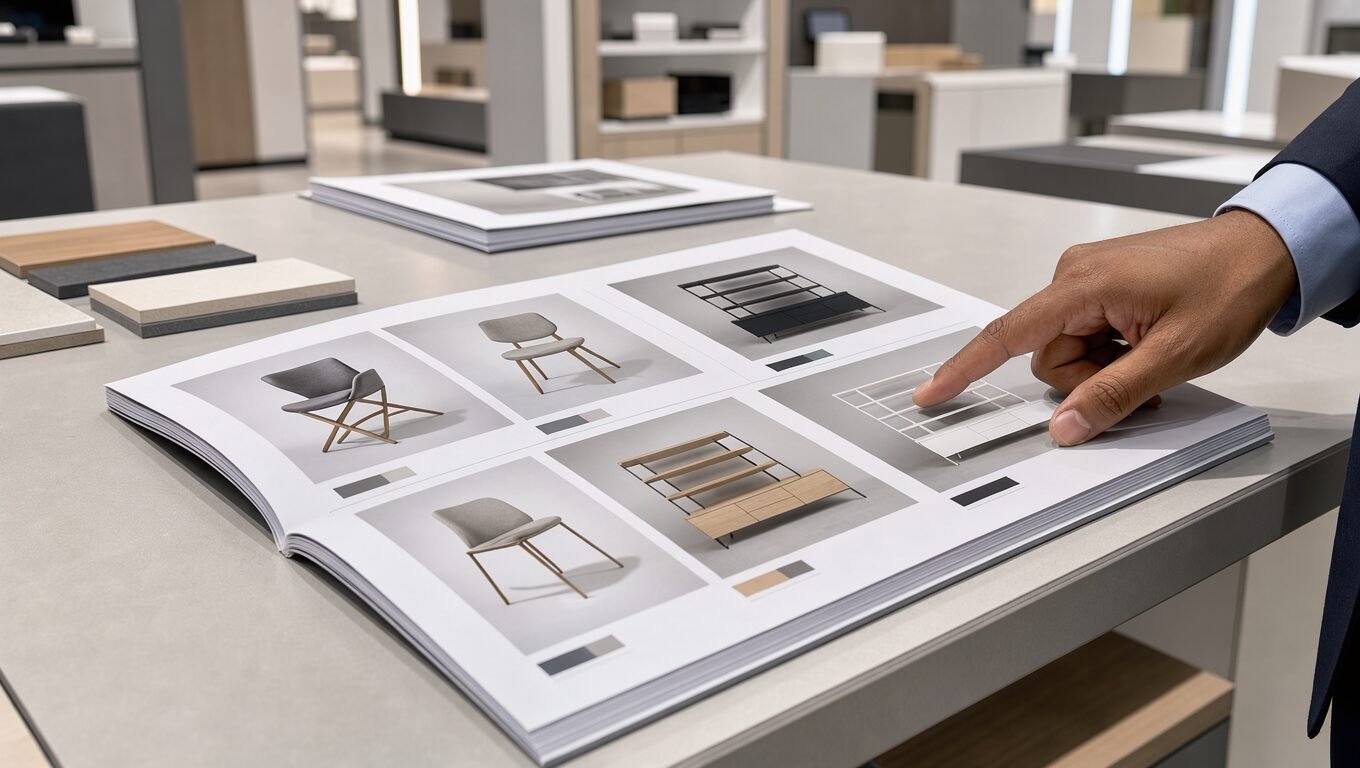
Vernon Hills is a working town: manufacturers and distributors in the Corporate Woods and Continental Executive Parks, retailers around Hawthorn, and B2B companies that still close deals with a catalog on the table. A good catalog does what a website can’t — it sits in a buyer’s office for a year, gets passed to a colleague, and makes a product line feel complete.
Here’s how we plan, design and print catalogs for Vernon Hills businesses, and how to keep the printed book and the online version in sync.
Structure before design
- Organize the way buyers shop, not the way the warehouse is organized — by application, by category, or by customer type.
- One consistent product block: image, name, SKU, key specs, options, and a price or “call for pricing.” Build it once as a template and repeat it.
- Front matter: a short company story, how to order, terms, and a visual index; back matter: full SKU index, warranty, contact.
- Page budget: page counts must be multiples of four for saddle-stitch and are most efficient at 16- or 32-page signatures for offset.
Photography is the catalog
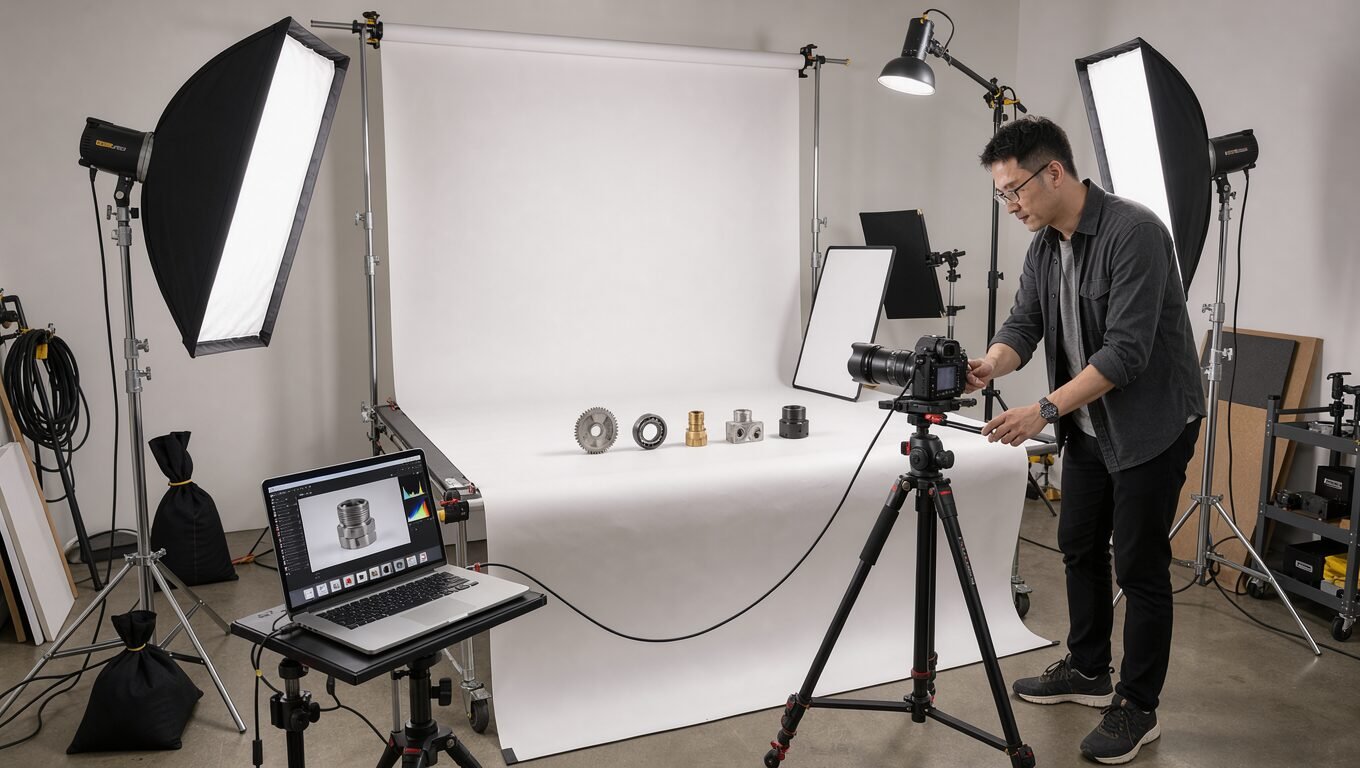
Consistent product photography — same angle family, same lighting, same background — is what makes a catalog look like one company. Shoot on a white sweep for product blocks and add a handful of in-use or installed shots per section for context. Budget a studio day per 60–100 SKUs, and keep every file at 300 dpi at its printed size.
Layout rules that survive hundreds of SKUs
- A fixed grid (four or six columns) so product blocks align page to page.
- Specs in tables with consistent units; call-outs for what differs between models.
- Running heads and thumb tabs so a buyer can flip to a section in seconds.
- Icons for key attributes (material, rating, size) defined once in the front matter.
- Type no smaller than 7.5 pt for spec tables; 9–10 pt for descriptions.
Paper, binding and print runs
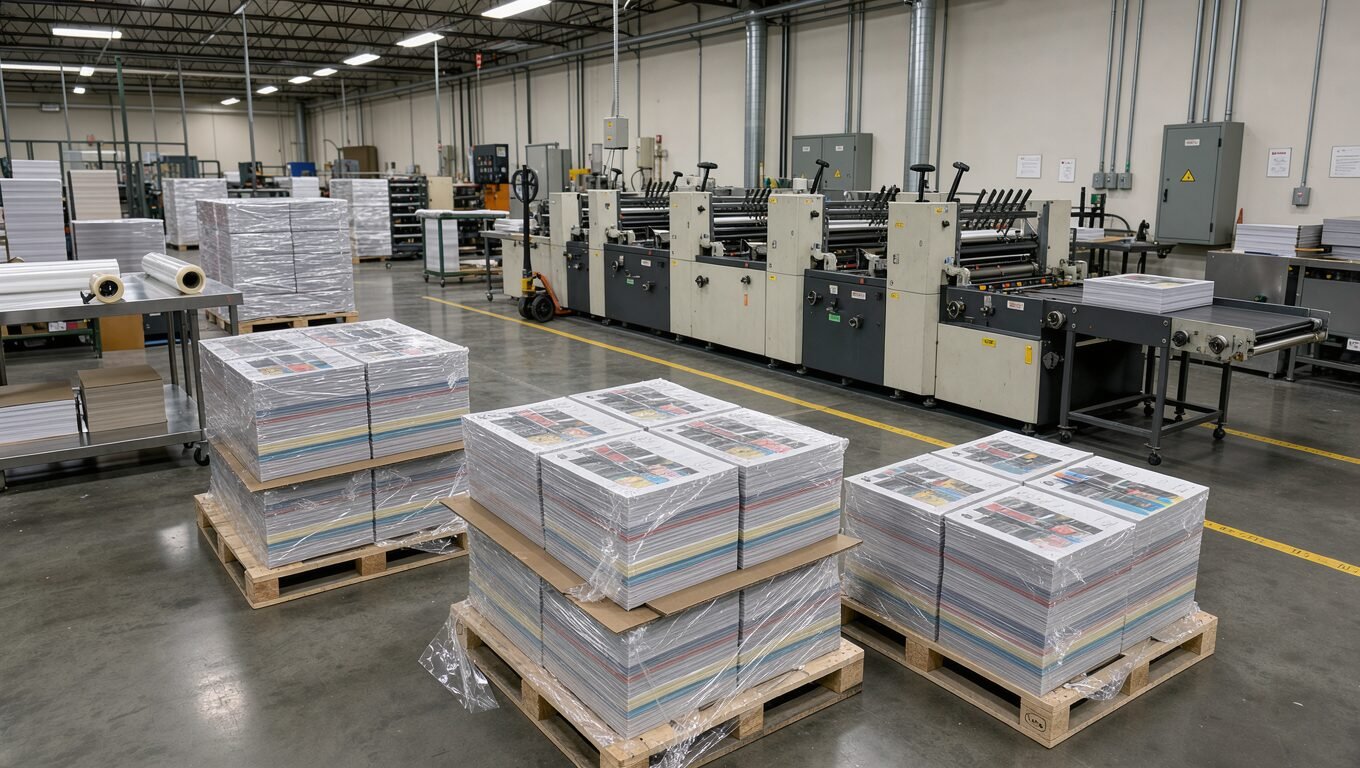
- Saddle-stitched up to about 64 pages on 80–100 lb text; perfect-bound above that with a 10–12 pt cover.
- Silk or matte text keeps photography rich without glare under showroom lights.
- Digital printing for runs under about 500 or for frequent updates; offset for larger runs where the unit cost drops sharply.
- Plan versions: a full master catalog annually, short digital-printed section catalogs or line cards for sales reps between editions.
The digital twin
Build the catalog from a product data sheet (spreadsheet or your inventory system) so the same data feeds the print layout, a downloadable PDF, and the website’s product pages. QR codes on section openers can link to spec sheets, CAD files or the online store. Our e-commerce and web development teams build the online side from the same source.
Timeline
A 48–96 page catalog typically takes ten to fourteen weeks: data cleanup and photography first, then design, two proof rounds, and three to four weeks of printing and binding. Rushing the data stage is where most errors — and reprints — come from.
How we work with Vernon Hills companies
We handle structure, photography coordination, design, data-driven layout, print-ready files, printer management and delivery, and we build the matching digital version. Start with a free marketing audit, or see our brochure and catalog design service.
Frequently asked questions
Should we still print a catalog if we have a website?
Yes for B2B lines with repeat buyers and complex specs — the printed book stays on a buyer’s desk and is passed around; the website handles search and ordering.
How many pages should a catalog be?
As many as the product line needs and no more; counts in multiples of four for stitching, and sections short enough to flip to quickly.
Can you build the catalog from our spreadsheet?
Yes — data-driven layout from a clean product sheet is faster, more accurate and makes the next edition a data update rather than a redesign.