
Most print problems — a white sliver on the edge of a card, a logo that printed muddy, text that got cut off, colors that look nothing like the screen — come from the file, not the printer. If you’ve ever been told your artwork “isn’t print-ready,” this is the plain-English version of what that means and how to avoid it.
Hand this checklist to whoever makes your files, or let us make them.
Bleed: why your design must run past the edge
Printers print on larger sheets and trim down. The cut can drift by a fraction of a millimeter, so any color or image meant to reach the edge must extend 0.125 inch (1/8″) beyond the trim line on every side. A business card is therefore built at 3.75 × 2.25 inches for a 3.5 × 2 finished size. No bleed means white slivers.
Safe zone: keep the important stuff inside
For the same reason, keep text, logos and anything that must not be cut at least 0.125–0.1875 inch inside the trim. On folded pieces, keep type away from folds too.
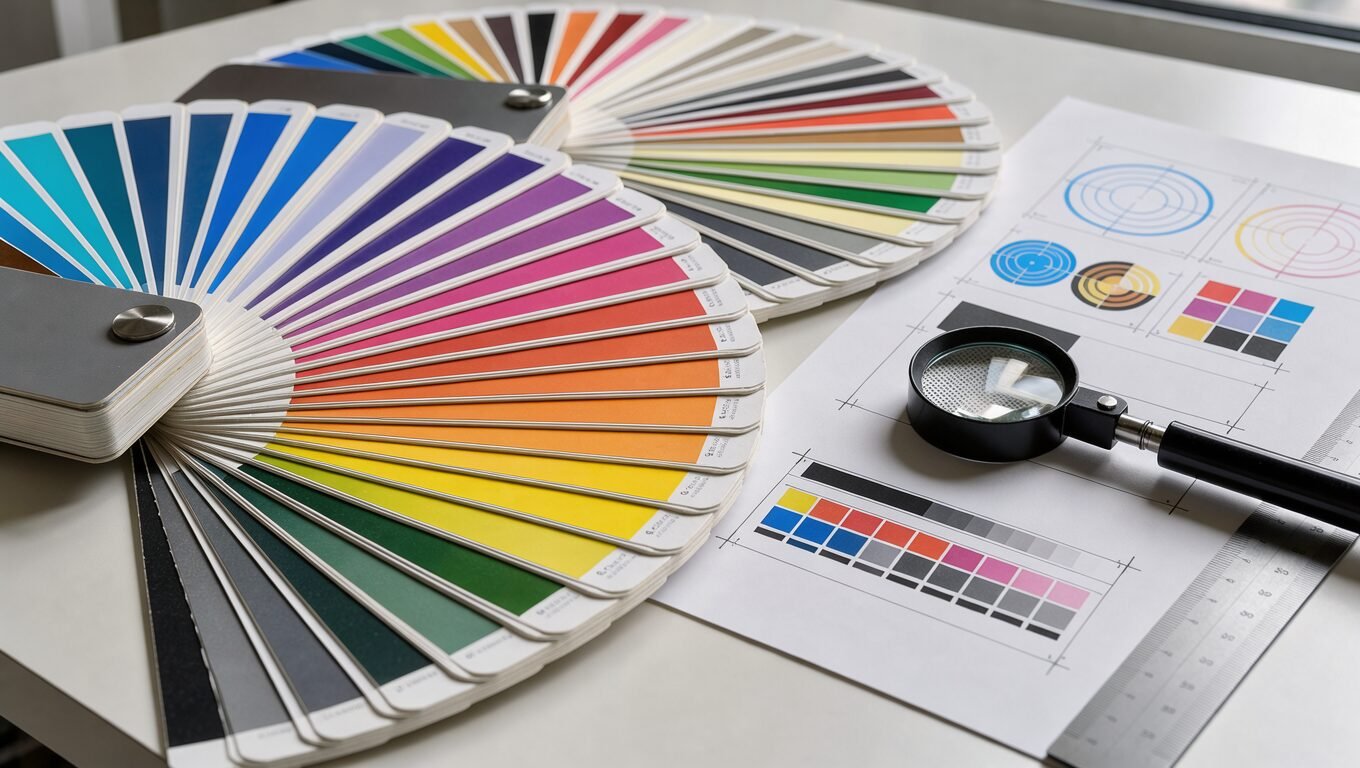
CMYK vs. RGB: why screen colors don’t print
Screens make color with light (RGB); presses make it with ink (CMYK). Bright RGB blues, greens and oranges simply can’t be printed with four inks and come out dull. Build print files in CMYK, and specify Pantone spot colors for brand colors that must match exactly on signs, foil or uniforms. For solid black areas use a “rich black” (around 60 C / 40 M / 40 Y / 100 K); for small text use 100 K only.
Resolution: 300 dpi at the printed size
Images need about 300 pixels per inch at the size they print. A photo pulled from a website (typically 72 ppi) will look sharp on screen and blurry on paper. Logos should be vector (AI, EPS, SVG, PDF) so they print crisp at any size; a JPEG logo scaled up is the most common cause of a fuzzy card.
Fonts: outline or embed
If the printer doesn’t have your font, their system substitutes one and the layout shifts. Either convert type to outlines or export a PDF with fonts embedded. Keep an editable master file for future edits.
Export: PDF/X-1a or PDF/X-4
Export a press-quality PDF (PDF/X-1a is the safest universal choice; PDF/X-4 preserves transparency for modern workflows) with bleed and crop marks on, images not downsampled, and the document in CMYK. One file, one page per side, named clearly.
Folds, dielines and special finishes
- Fold lines on a separate, non-printing layer; panel widths adjusted so inside panels fold flat.
- Die-cut shapes, spot UV, foil and emboss each supplied as a separate layer in 100 K, labeled.
- Packaging and labels built on the supplier’s dieline.
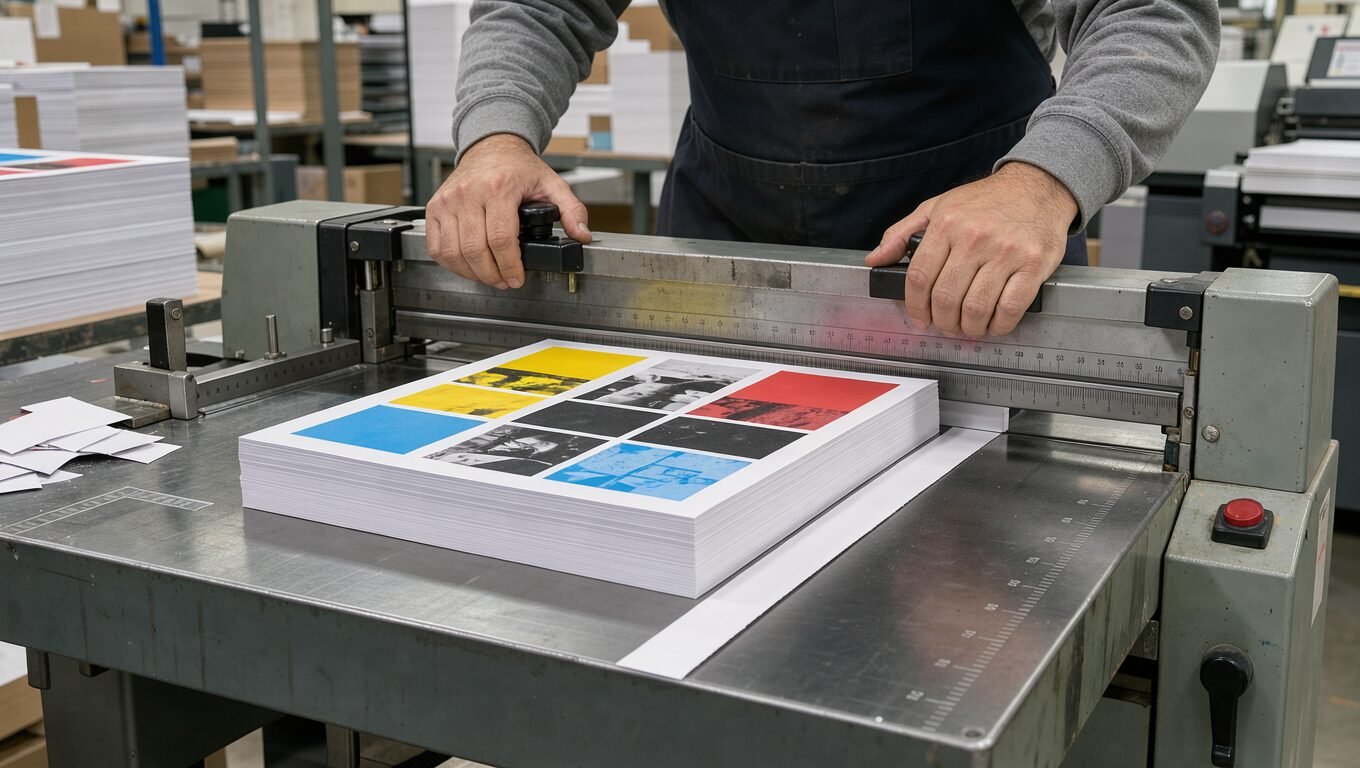
Proof before you print
Always review a digital proof for content and a physical proof for color and finish on any new stock, foil or large run. Check names, phone numbers, URLs and prices on the proof — not on screen — and have a second person read it.
The checklist
- Correct final size, 0.125-inch bleed, 0.125-inch safe zone.
- CMYK document; Pantone values for brand colors; rich black for solids, 100 K for small text.
- Images 300 ppi at printed size; logos as vector.
- Fonts outlined or embedded.
- PDF/X export with crop marks and bleed; separate layers for folds, dies and finishes.
- Proof approved by two people.
Or let us handle the files
Every piece we design — cards, brochures, signage, packaging, catalogs — is delivered print-ready and checked against this list, then printed through partners we trust and delivered across the North Shore. See brand collateral and brochure design, or send us an existing file for a free prepress check as part of a free marketing audit.
Frequently asked questions
Can you print from a Canva or Word file?
Often, after we rebuild it with proper bleed, CMYK color and vector logos; sending the native file lets us fix it rather than guess.
Why do my printed colors look different from my screen?
Screens display RGB light and presses use CMYK ink; some screen colors cannot be printed, and uncalibrated monitors add more drift. Proof on paper for anything color-critical.
What resolution should my logo be?
Logos should be vector files, which have no resolution limit. If only a raster exists, it needs to be at least 300 ppi at the largest size you will print it.